Plug in programmatically through the DSPs you already use, or respond directly from the Brands app. Most start direct and add programmatic once the signal proves out.

Step 1
Getting started
Profila
Sign up
Unavailable How to run a Profila campaign.
Getting started
Plug in programmatically through the DSPs you already use, or respond directly from the Brands app. Most start direct and add programmatic once the signal proves out.
Getting started
Active intents, classified to IAB taxonomies, filterable by vertical, geography, budget and timeframe. You see the classification, never the person.
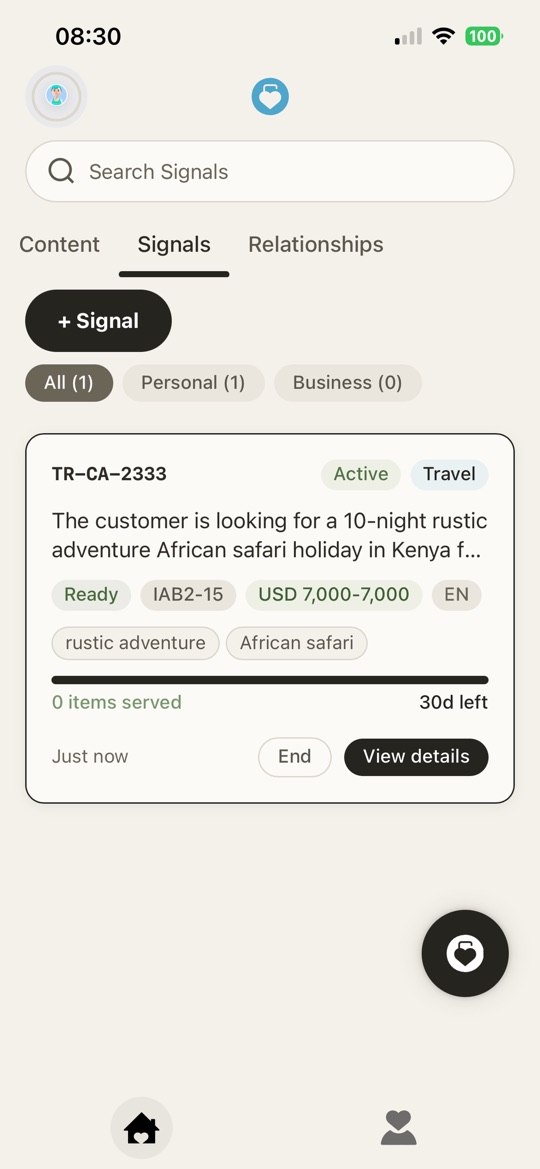
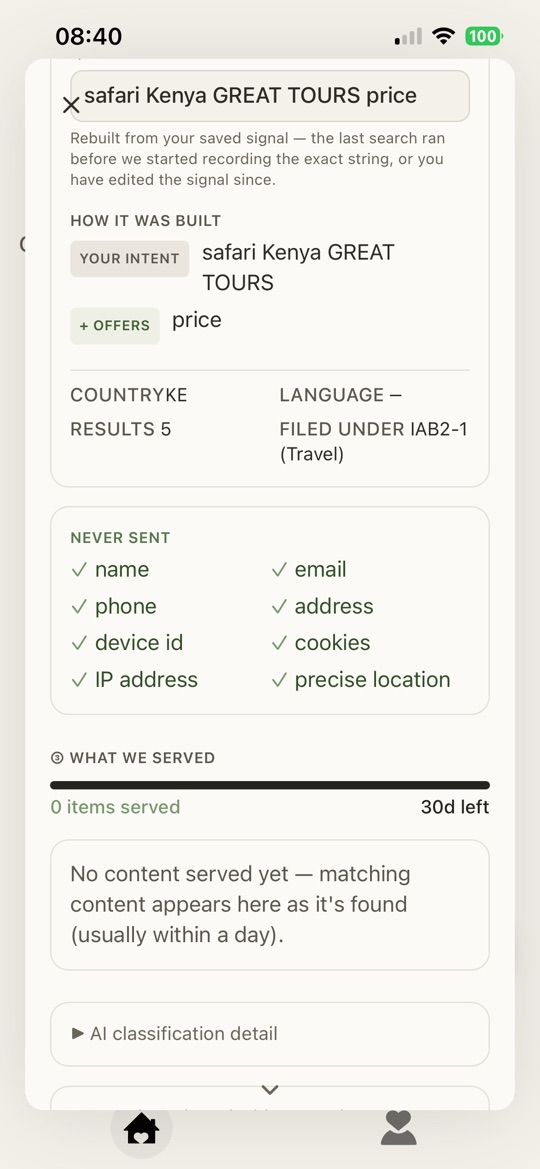
What your customer sees — the signal they sent you
Getting started
An offer, an invitation, or information — delivered to the consumer’s Channel in their language. Pay per qualified response, not per impression. The six formats are below.
Getting started
Clean, attributable results: which signals converted, and at what cost. No inference, no waste, no attribution guesswork.
Read this first
These are real screenshots of the Profila consumer app. They show what a Brand Moment looks like when it lands — the frame you are writing for. Nothing here is the Brands app or the API dashboard.
Worth knowing, because it is what your customer reads before they read your headline: every card carries a row of chips.
Brand Moment — something you served them. Connection — from a brand they are connected to. Brand with Brand Network — found for them on the open web, which you did not send and were not charged for. Voted — they voted for you to join Profila. Banner · Native · Carousel · Video · PDF · Info — the format chip, so they know what they are about to open. NEW until opened, SEEN afterwards. There is no way to make a card look unread again. Brand Moment format
What your customer sees. A single image card under your name and logo, with a headline and one button. Nothing to swipe, nothing to play. It is the fastest thing to read in their feed.
When to use it. A straight offer against a signal that says they are ready to buy now. When the answer is a price and a link, do not make them work for it.
Chipped Banner on the card.
Brand Moment format
What your customer sees. A card that reads like the rest of their feed rather than a slot bolted onto it: your logo, your name, an image, a headline, two or three lines of copy and a Learn more button. It is always chipped as yours — it sits in the feed, it is never disguised as it.
When to use it. The default. If you are not sure which format to reach for, this is the one — it carries enough to explain something without asking for a swipe or a tap to play.
Chipped Native on the card.
Brand Moment format
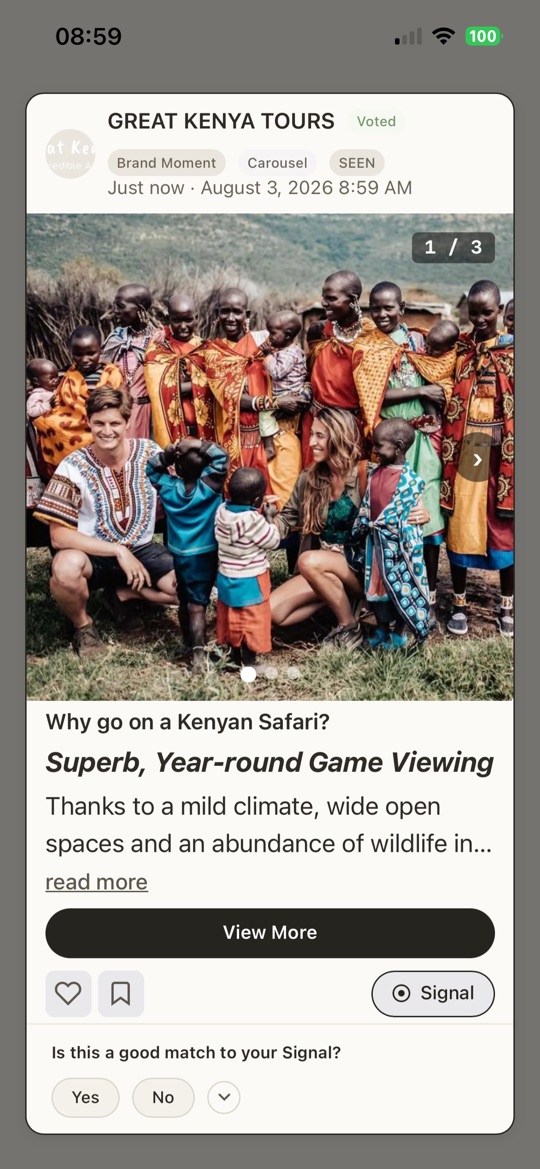
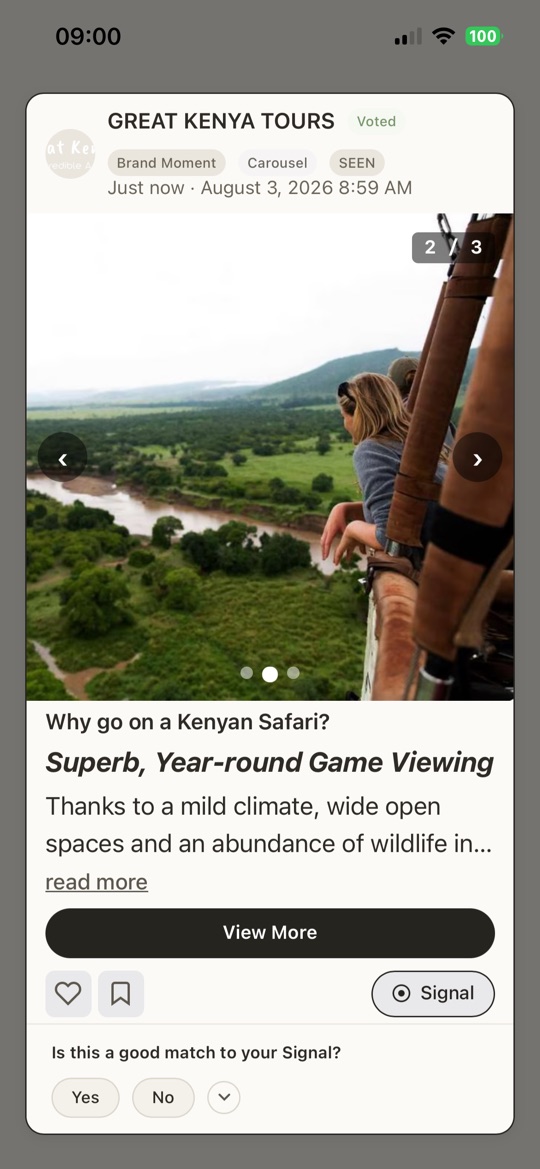
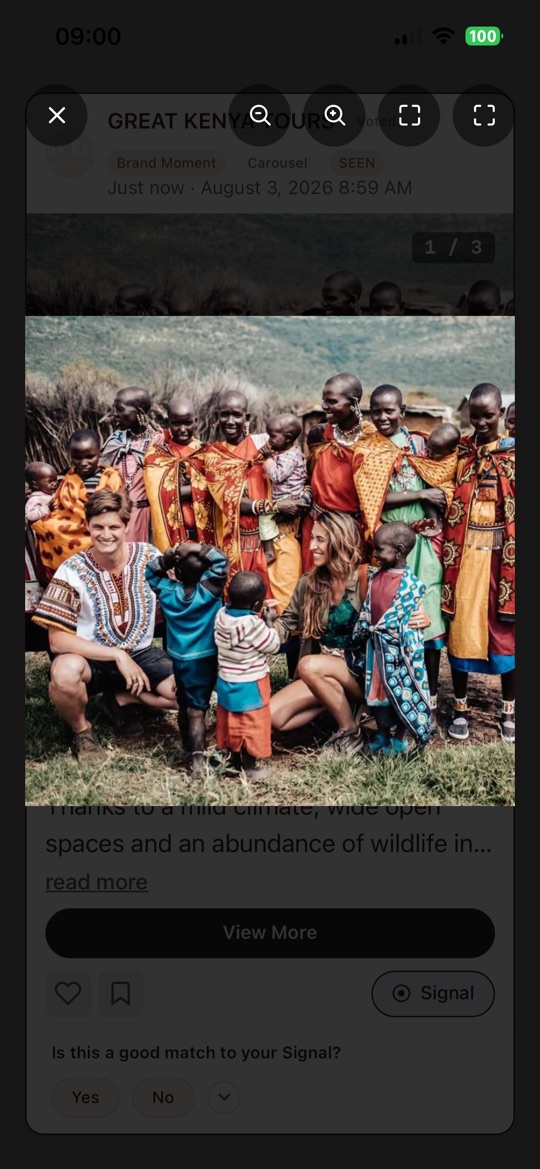
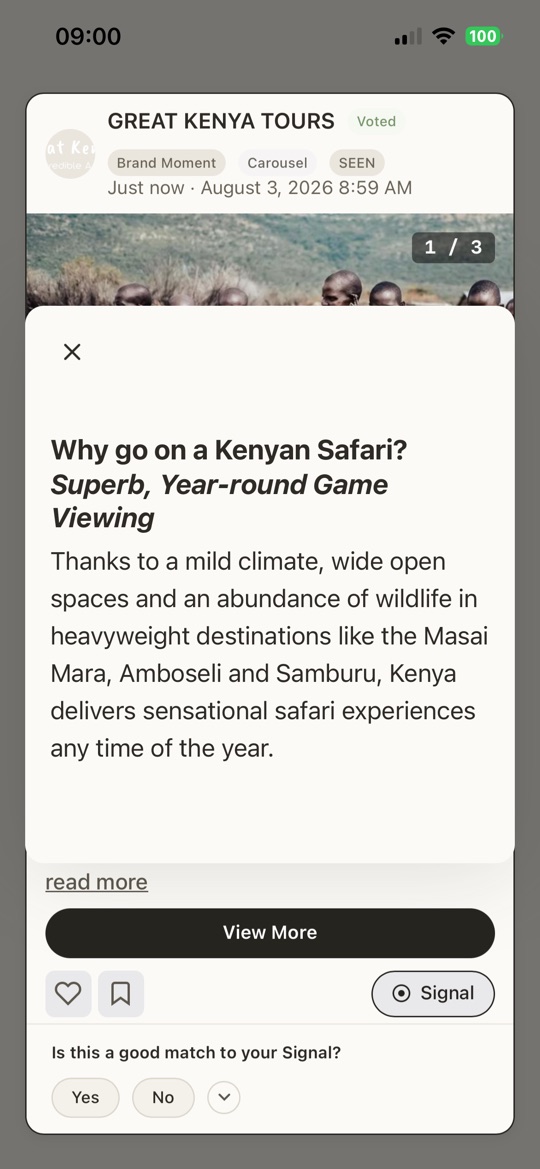
What your customer sees. A swipeable deck with a 1 / 3 counter, arrows and dots. The headline, body and button stay put underneath while they move through the frames, so the offer never scrolls away from the picture. Any frame opens full screen and pinch-zooms.
When to use it. When the thing has to be seen rather than described — a lodge, a room, a garment, a range. Lead with the frame that answers their signal, not with your logo.
Chipped Carousel on the card.
What your customer sees — a carousel moment
Brand Moment format
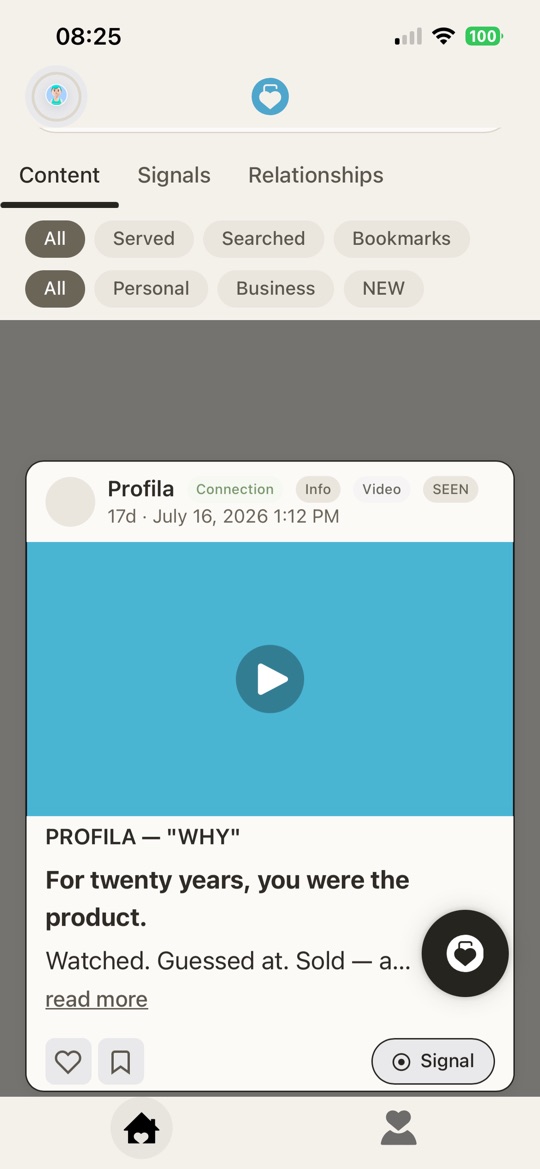
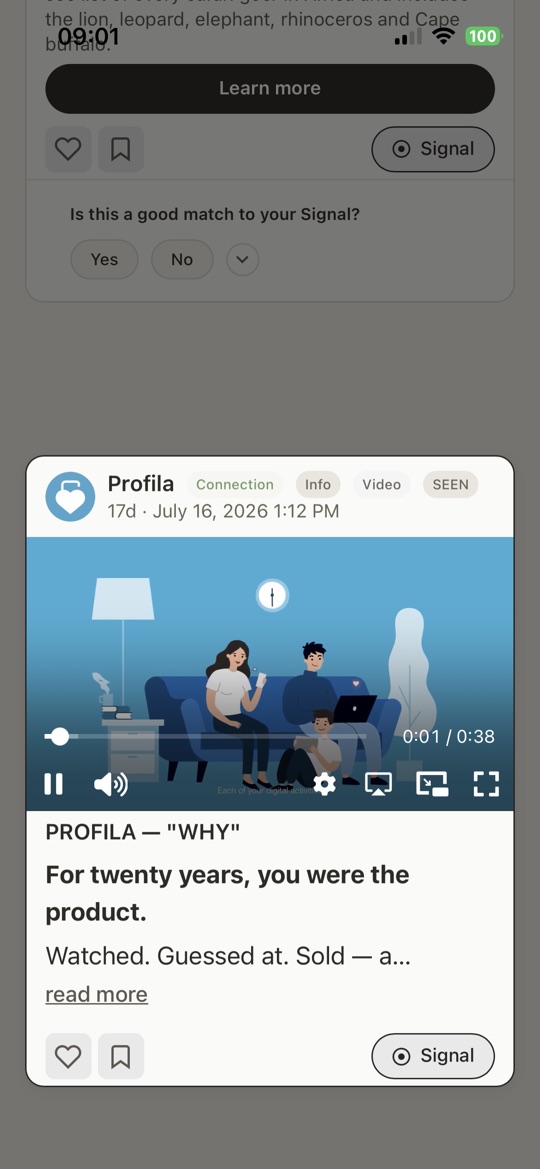
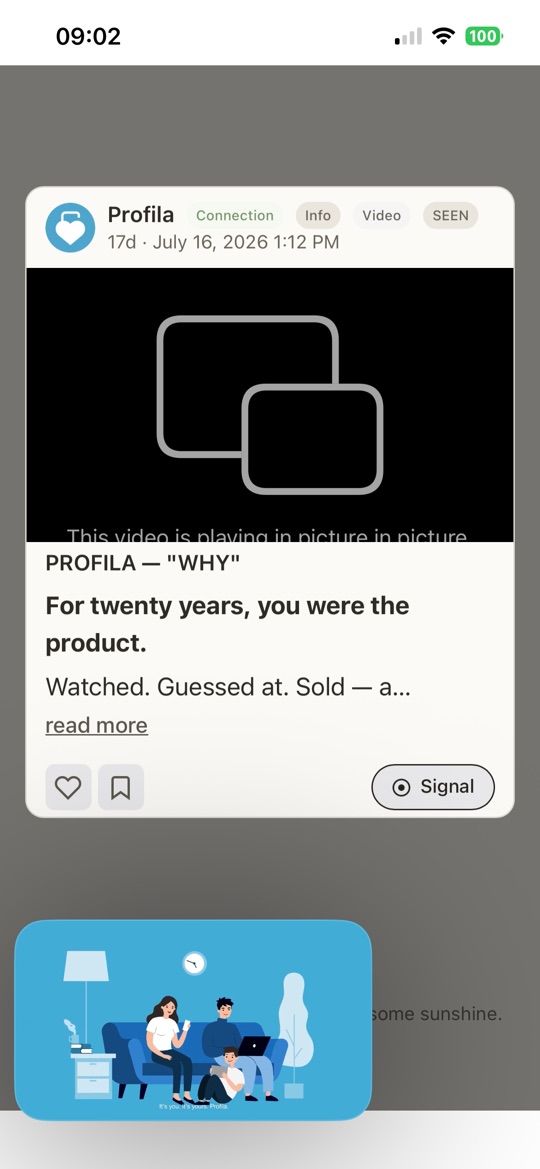
What your customer sees. A poster frame with a play button. Tapping plays it in place — scrub bar, volume, AirPlay and full screen. If they scroll away mid-play it pops out to picture-in-picture and keeps going, rather than stopping and losing them.
When to use it. Demonstration and atmosphere: the thing in use, the place as it actually feels. Assume the first three seconds are the whole ad, because they might be.
Chipped Video on the card.
What your customer sees — a video moment
Brand Moment format
What your customer sees. A document card they open and read inside the app, page by page. No download, no browser, no leaving the feed and not coming back.
When to use it. High-consideration and B2B signals, where the honest answer to what they asked is a document and summarising it into a headline would only waste a step.
Chipped PDF on the card.
Brand Moment format
What your customer sees. A short standfirst, a headline, a few lines of body and a “read more” that opens the full text in a sheet. No call to action at all, if you do not want one.
When to use it. Relationship moments rather than campaign moments: a policy change, an answer to a question they raised, a piece of the story. This is what having something to say looks like, as opposed to having something to sell.
Chipped Info on the card.
What your customer sees — an info moment
Why a Profila moment is not an impression
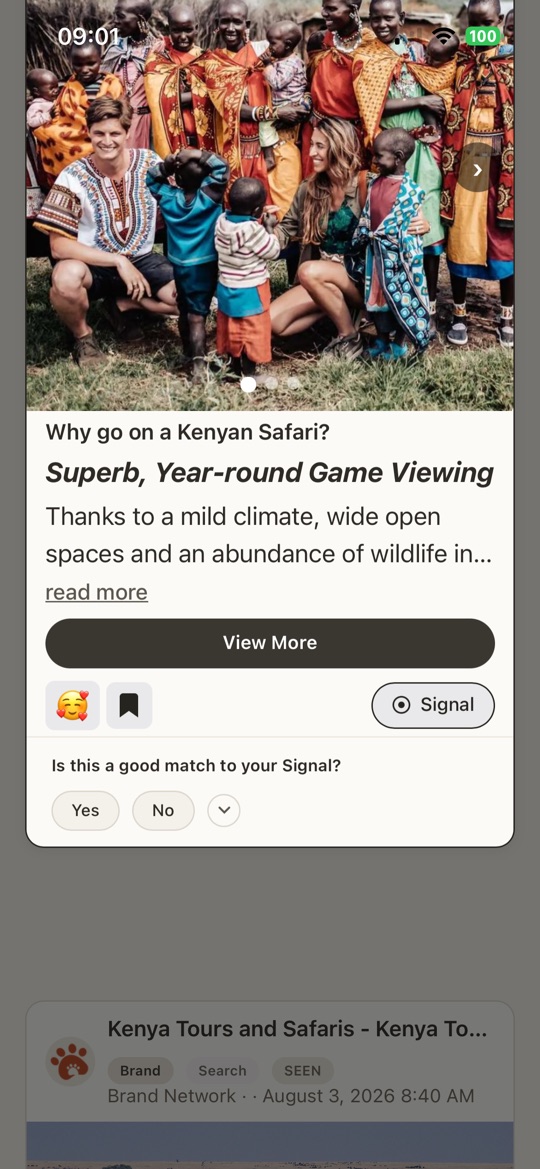
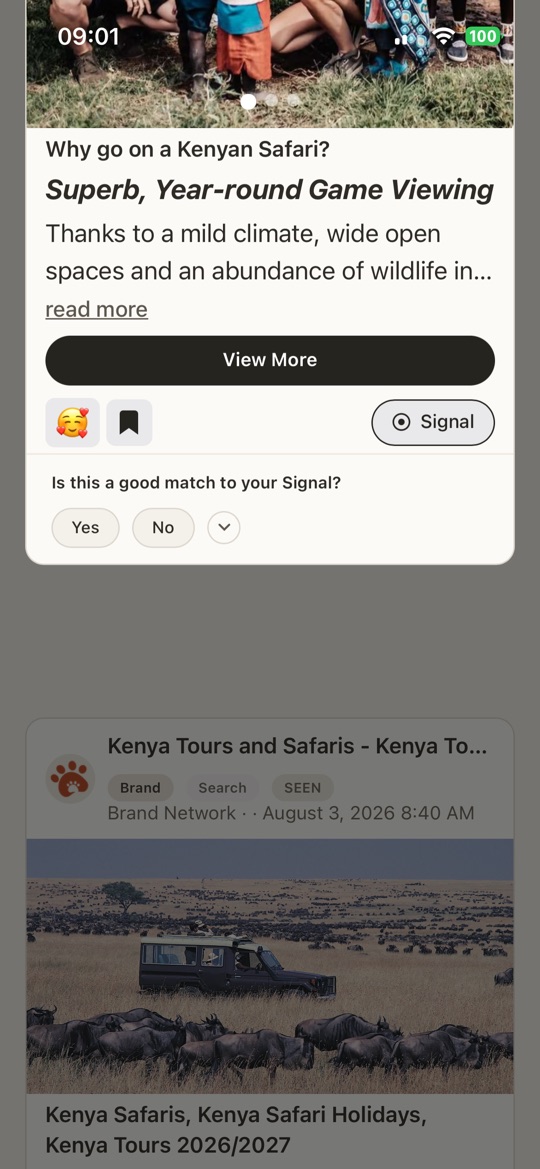
As your customer scrolls, the moment they arrive at is lifted to full brightness and everything else on the screen drops back into a dim scrim — every other card, the background, the chrome. One moment holds the screen at a time. Tap through and it takes the whole of it.
What that is worth to you: no adjacency. Your moment is not sharing a viewport with a competitor, a house ad, or the next thing in a stack. There is nothing beside it to compare it against and nothing below it glowing to pull the scroll onward.
And the attention is earned rather than taken. They arrived here because they sent a signal or because they connected with you. Your moment is the answer to a question they asked out loud, which is why it gets the room — and why the response rate is not comparable to an impression.
What your customer sees — In Focus
API or app
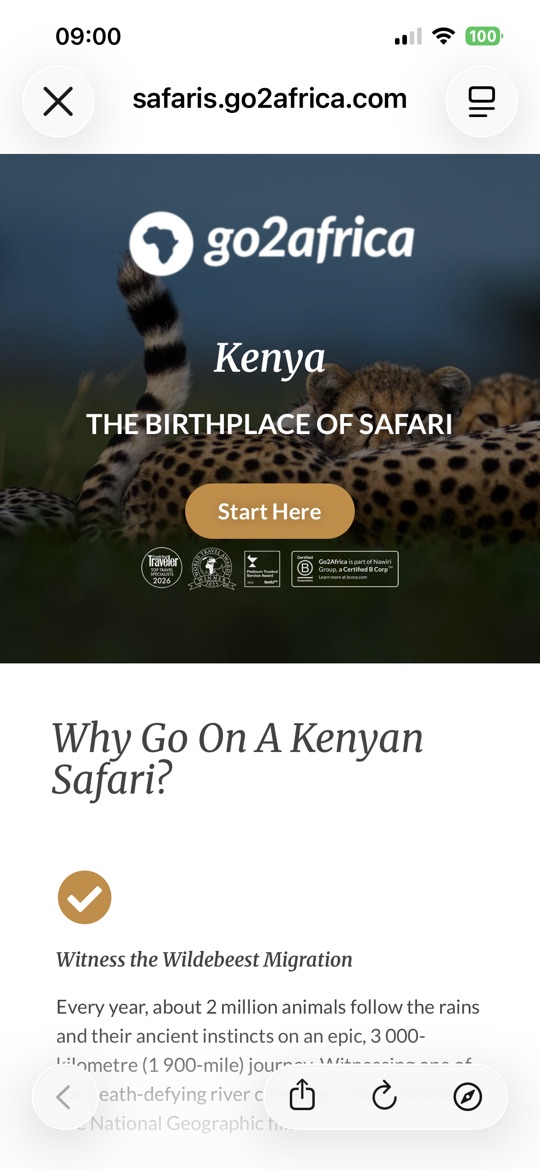
Serve programmatically through the API — OpenRTB, REST or MCP — against live signals, or compose a moment by hand in the Brands app and send it to a relationship. Most brands start direct and add programmatic once the signal proves out.
Either route produces the same card, in the same feed, under the same rules: what your customer sees is identical. Nothing about the delivery path is visible to them, and no route gets a bigger frame or a louder placement than another.
The endpoints, fields and routing modes are in the API Docs.
More to come
A fuller playbook — taxonomies, consent obligations, and what a good response looks like — is being written from the first pilots. Until it lands, the steps and formats above are the shape of it, and the team will walk you through the rest.
Start a pilot
Or create a business account Unavailable